Your dog talksall day. Loudly.Talk back.
Dog Translator is an iPhone app. Say something — or tap a sound — and it answers out loud in barks and meows.

Just for fun. Dog Translator is an entertainment app — it doesn't interpret real barks, and it isn't animal science or vet advice.
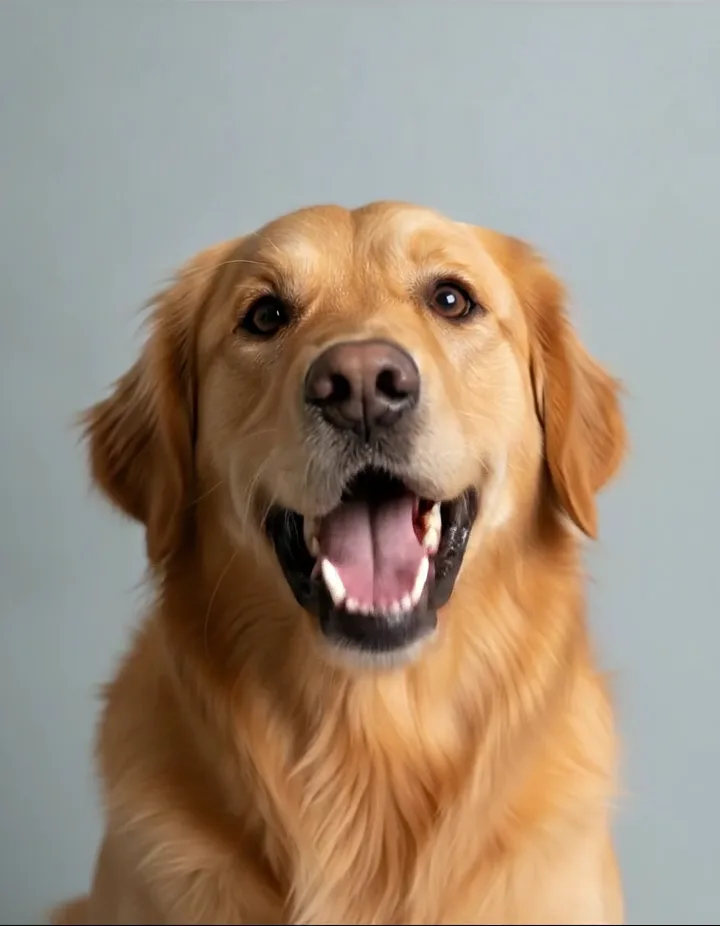
- Who's a good boy? Trick question.
- The mailman again. Every day. Bold.
- That was my spot. Now it's yours. Fine.
- Walk? Walk. Walk! WALK.
- I ate it. I'd do it again.
- Squirrel. Sorry, what were you saying?
- Bath? I identify as dry.
- You were gone forever. It was two minutes.
- The vet is a rumour.
- Belly up. Rules are rules.
You talk, it barks
Say a line into your iPhone and hear it come back as pet sounds.
Dogs and cats
Bark responses and meow responses, ready on tap.
Free to download
iOS 16+. Key features via subscription, $9.99/year.
Sound familiar?
You know these by ear.
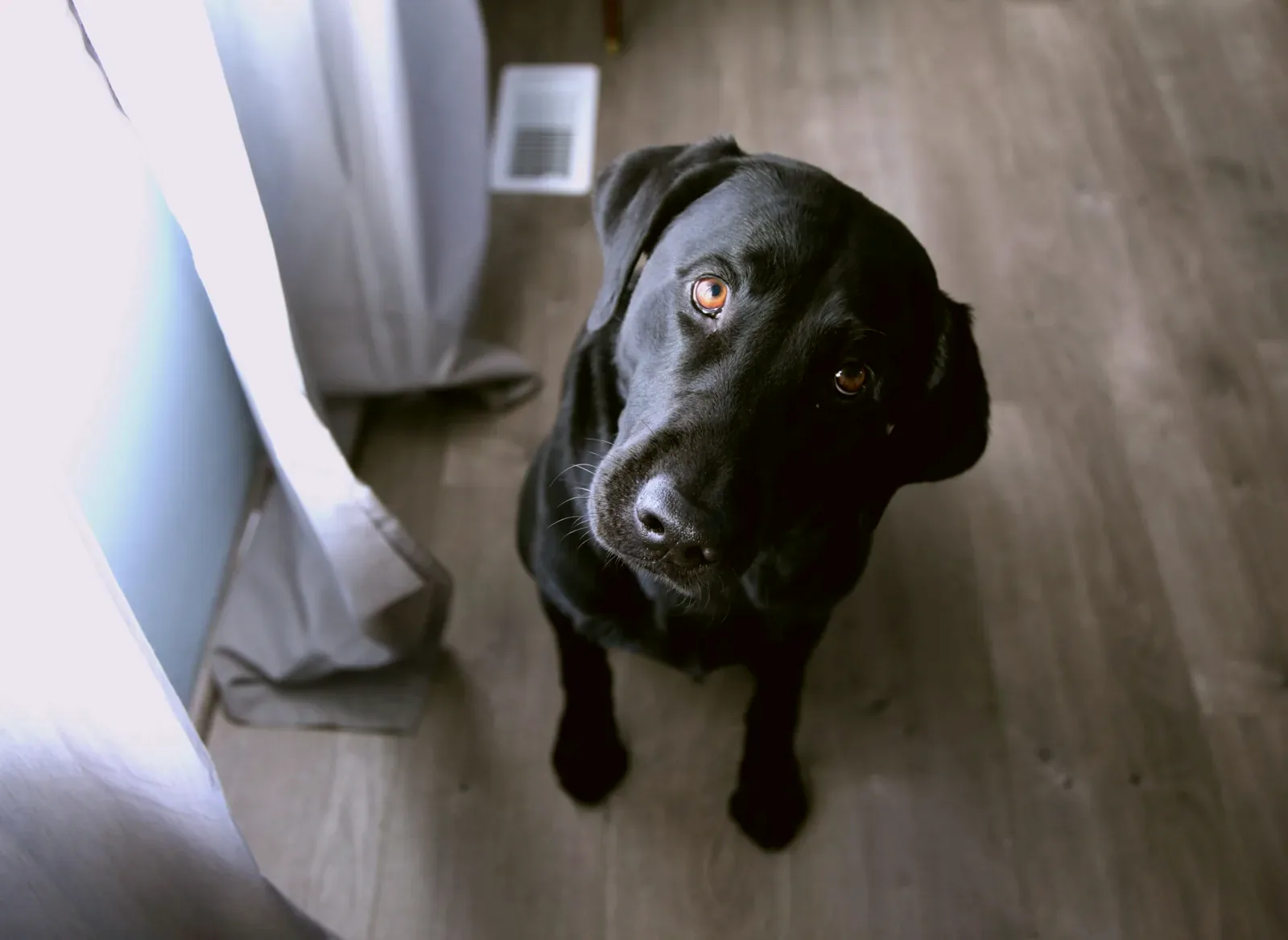
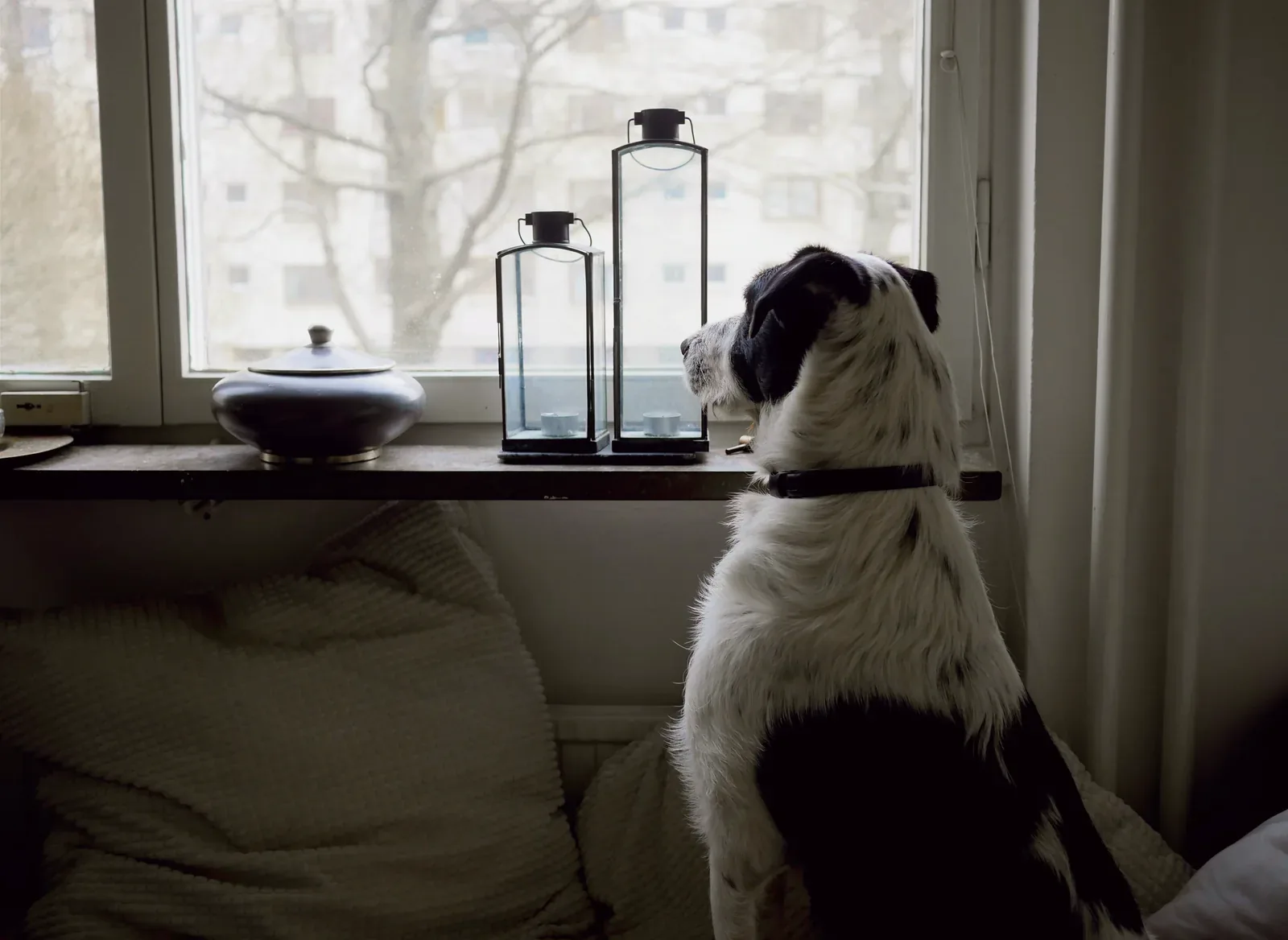
Four everyday moments every dog owner has stood through. The captions are ours — the app's job is to answer them out loud.


How it works
Three steps. One giggle.
No setup, no learning curve — speak or tap, and listen.
- 01
Say something
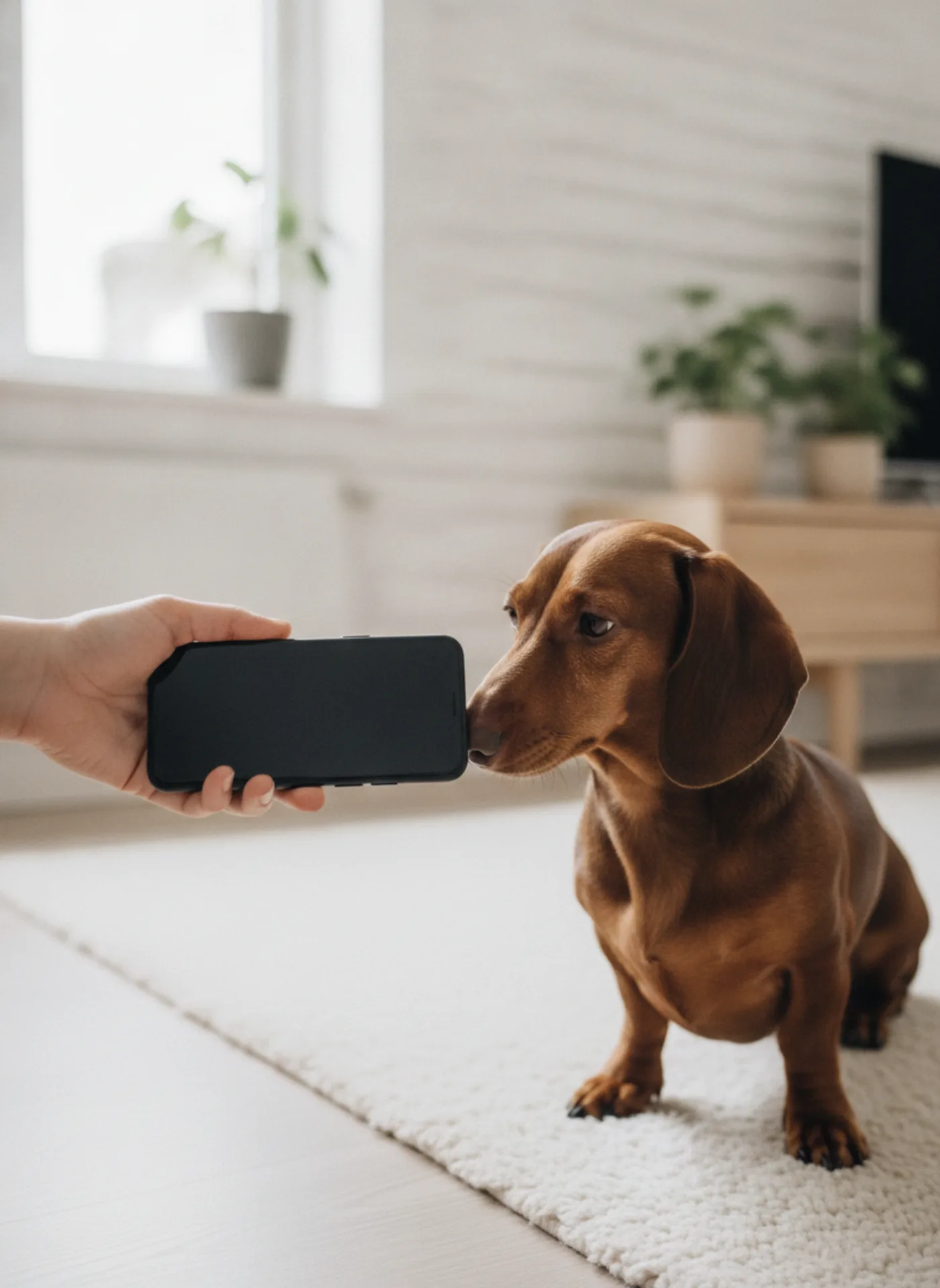
Speak into your iPhone — the walk announcement, the treat speech, whatever you'd tell them anyway.
- 02
It answers in barks
The app turns what you said into dog- and cat-like sounds and plays them out loud.
- 03
Or just tap a sound
A set of ready barks and meows, tapped back and forth while your dog tilts their head.
Dog & Cat Translator Pro · Free · iOS 16+ · in-app subscription $9.99/year
For fun only — not a real translator.
Six moods, six comebacks
Six moods. Six theories.
Our captions, written for a laugh — the app doesn't read them. It answers you in barks and meows, and your dog's real thoughts stay classified.
Want the real read instead of the joke? What is my dog saying? Or skip straight to the visual cues in our how to read dog body language guide.
 Happy
Happy“Best. Day. Ever. Again.”
 Alert
Alert“Someone's at the door. Possibly a leaf.”
 Sleepy
“Five more minutes. Or hours.”
 Playful
“Throw it. Throw it. Why aren't you throwing it?”
 Hungry
“I have not eaten in four minutes.”
 Grumpy
“Do not.”
Blog
Read between walks.
Plain-English posts about barks, whines and the noises in between.
- Read guide
Sep 13, 2026
Why Does My Dog Stare at Me? What the Look Really Means
Why does your dog stare at you? Learn what a soft gaze, a hard stare, the food-bowl look, and the blank senior stare mean — and when one needs a vet.
- Read guide
Sep 13, 2026
Why Does My Dog Lick Me When I Pet Her? The Real Reasons
Why does your dog lick you when you pet her? Learn what affection, taste, attention, and stress licks mean — and how to calm licking that goes too far.
- Read guide
Sep 12, 2026
Why Is My Dog Growling? What Different Growls Really Mean
Why is your dog growling? Learn what play, warning, fear, and pain growls mean, how to read them, and how to respond — without ever punishing the growl.
Questions
Fair questions.
Short answers, no small print.
Something else? Email us.
No — and it doesn't try to. It works the other way round: you speak or tap, and the app plays dog- and cat-like sounds back. It never interprets a real bark, it isn't animal science, and it doesn't replace a vet or a trainer.

Get the app
So… what will you say back?
Say one line, hear one bark. See what your dog makes of it.

Dog Translator is an entertainment app. It plays pet-like sounds for fun — it does not translate animal language and is not a substitute for advice from a qualified vet or trainer.